
Thermalright TL-C14C-S X3 CPU Fan
4.7Editor score
S-FDB Bearing
1500 RPM Max Speed
Silent Operation
This guide compares the top ARGB 140mm fans for PC builds, evaluating airflow, noise, lighting sync, and bearing types to help you choose the best cooling
Finding the right cooling solution is crucial for maintaining optimal performance in your PC build. ARGB 140mm fans offer a perfect balance of airflow and aesthetics, allowing you to customize your setup while keeping temperatures low.
We evaluated ten leading models based on performance, noise levels, lighting control, and build quality. Each product was analyzed for its suitability in different case designs and cooling requirements to ensure a comprehensive comparison.
Every pick highlights key strengths and ideal use cases for various builders. Please note that product availability and pricing can change frequently, so verify current details before making your final purchase decision today.
4.7Editor score

4.8Editor score

4.6Editor score
The following table provides a side-by-side overview of all ten selected models. Compare their key specifications at a glance to find the model that best fits your specific cooling and aesthetic needs.
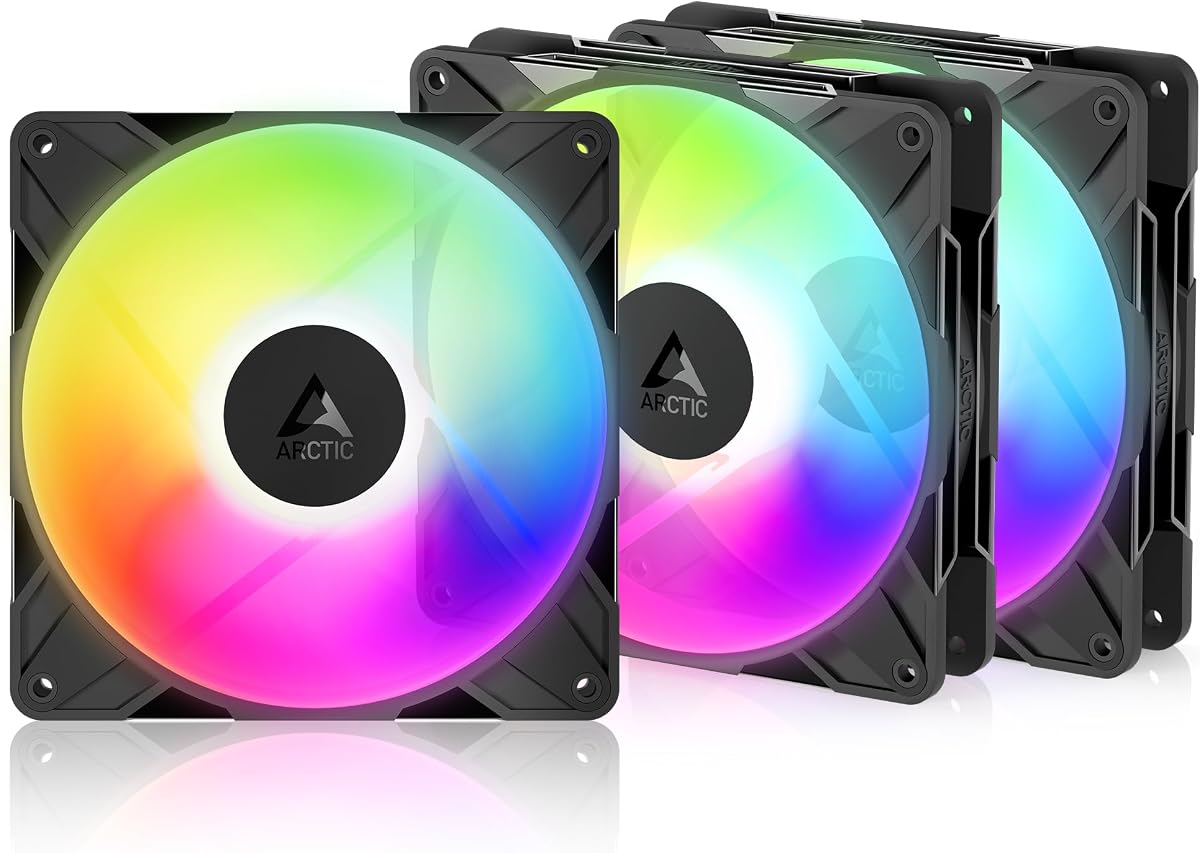


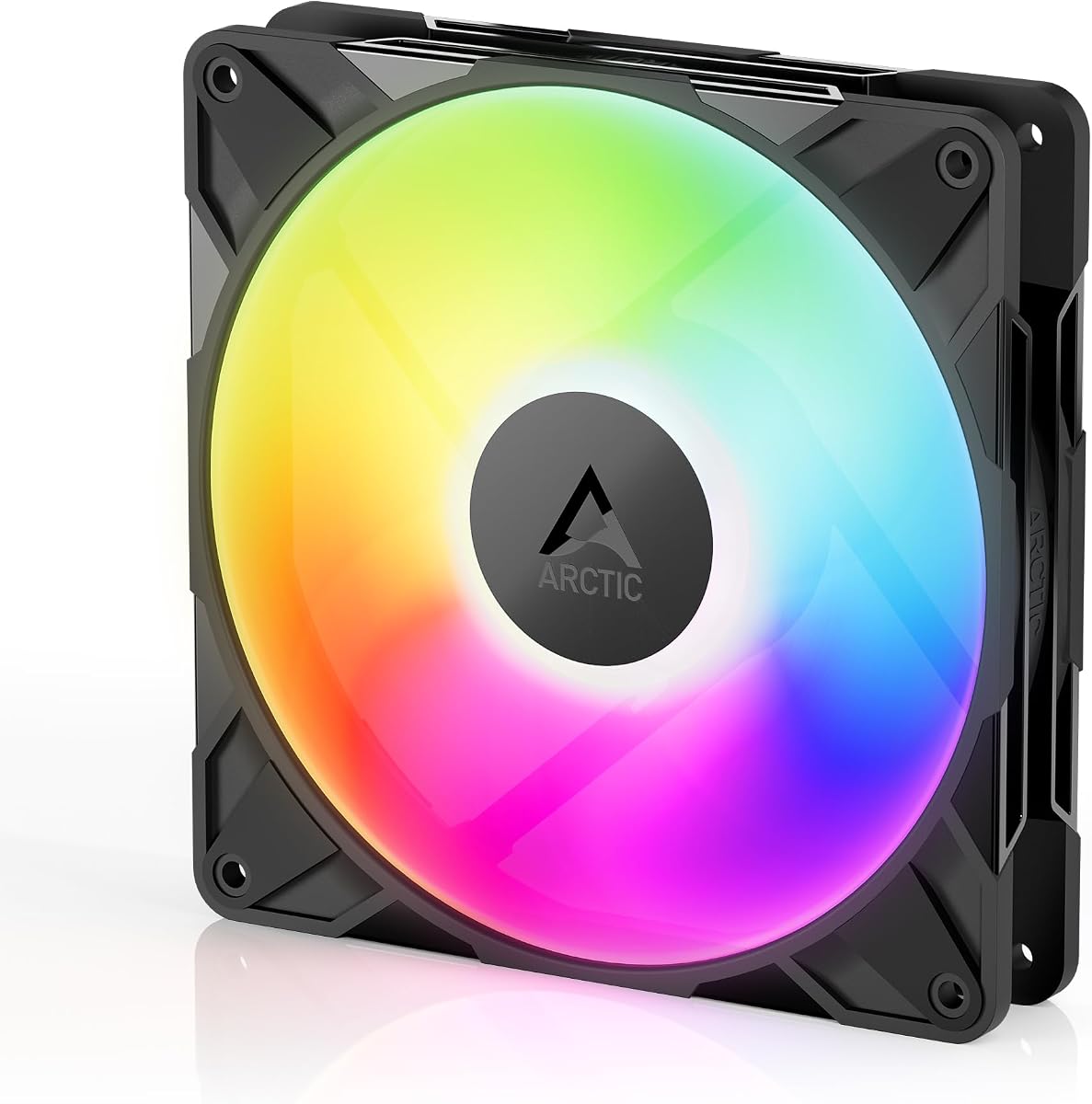


The Cooler Master MasterFan MF140 Halo Fan stands out as a top contender in the ARGB 140mm fan category. With a high user rating, it offers a blend of performance and aesthetics that appeals to both casual builders and enthusiasts looking for reliable cooling solutions.
We may earn a commission when you buy through this link, at no additional cost to you.
Its Duo-Ring ARGB lighting provides a stunning visual effect with 24 individually controlled LEDs. The hybrid static pressure blade design ensures effective airflow even when pushing through radiators or mesh panels. Noise reduction technology and sound-absorbing materials contribute to a quieter operating environment.
While the price is higher than some budget options, the performance justifies the cost. The need for a specific ARGB header extender might be a slight inconvenience for some users. However, the overall value remains strong for those prioritizing both cooling and looks.
This fan is ideal for users building a high-end gaming PC or workstation where visual appeal and thermal performance are equally important. It works seamlessly with most major motherboard lighting sync systems. We recommend this model for anyone seeking a premium ARGB cooling experience.
The dual-ring lighting design creates a captivating glow that enhances any PC case interior without being overly distracting.
Advanced noise reduction technologies ensure that your system stays cool without introducing unwanted fan noise during quiet work.
We may earn a commission when you buy through this link, at no additional cost to you.
The Thermalright TL-C14C-S X3 offers incredible value for budget-conscious builders. A strong rating and three-pack configuration make it an attractive choice for those needing multiple fans without breaking the bank. It delivers efficient cooling and pleasant ARGB lighting.
We may earn a commission when you buy through this link, at no additional cost to you.
It features an S-FDB bearing that minimizes noise and extends lifespan. The airflow is sufficient for standard case ventilation and radiator cooling. The ARGB lighting is soft and effective, matching well with various PC aesthetics. PWM control allows automatic speed adjustments based on system temperature.
While it lacks some premium features like advanced magnetic mounting, it performs admirably for its price. The lighting modes are fewer than more expensive models, but still offer customization. It is a reliable workhorse for standard cooling needs without extra bells and whistles.
This pack is perfect for gamers or professionals building a cost-effective PC rig. It works well as case fans or on radiators. We recommend this for anyone looking to maximize cooling performance while minimizing expenditure on components.
Getting three high-quality fans in one pack ensures comprehensive airflow coverage across your entire PC case at a very low price.
The fluid dynamic bearing design ensures that these fans run quietly even under continuous load for years of consistent use.
We may earn a commission when you buy through this link, at no additional cost to you.
CORSAIR RS140 fans are designed for users seeking high performance and streamlined connectivity. The dual-pack offers robust cooling with advanced features like daisy-chain connections and AirGuide technology. It is a premium choice for those building a dedicated enthusiast system.
We may earn a commission when you buy through this link, at no additional cost to you.
The daisy-chain design simplifies cable management significantly. Each fan features magnetic dome bearings for quiet operation and longevity. AirGuide technology directs airflow precisely where needed. The lighting is bright and customizable via motherboard control, offering a premium aesthetic experience.
These fans are powerful but come at a higher cost. They require a compatible motherboard for full control functionality. The build quality and features justify the investment for those focused on optimizing airflow and minimizing clutter in the build.
Ideal for high-end gaming setups or workstations requiring efficient radiator cooling. The precision airflow control makes it excellent for AIO radiators. We recommend these to users who value cable management and premium performance in their PC builds.
Daisy-chain connections reduce the number of cables needed, keeping your PC interior clean and organized effortlessly.
Anti-vortex vanes push air directly toward hot components, ensuring efficient cooling where it matters most.
We may earn a commission when you buy through this link, at no additional cost to you.
The ARCTIC P14 Pro Reverse A-RGB is a specialized fan designed for unique airflow configurations. Its reverse airflow design draws air from the back side, making it ideal for glass-fronted cases where standard fans might look unattractive. It offers strong cooling with a high RPM range.
We may earn a commission when you buy through this link, at no additional cost to you.
It utilizes a hydrodynamic bearing for smooth, low-vibration operation. The speed can be adjusted up to 2650 RPM for intense cooling needs. The reverse blade design ensures consistent air direction without needing to flip the fan physically. PWM control allows precise speed regulation.
This model is not a standard front intake or exhaust fan. It is specifically useful for front intakes on glass cases to maintain a clean look. While highly effective, its utility is more specific than standard models. It is great for aesthetic-focused builds.
Recommended for users with tempered glass cases who want a seamless look from the front. The performance is reliable for both intake and exhaust. We suggest this for those prioritizing case aesthetics alongside functional airflow management.
The reverse airflow design allows the blades to face inward from the front, hiding the motor hub for a cleaner look.
With a wide speed range up to 2650 RPM, you can dial in the exact cooling power your system needs.
We may earn a commission when you buy through this link, at no additional cost to you.
Thermaltake CT140 EX fans bring an innovative magnetic connection design to the table. This feature simplifies linking multiple fans together without traditional daisy-chains. The three-pack ensures you have enough units for a complete system. It delivers good performance with vibrant lighting.
We may earn a commission when you buy through this link, at no additional cost to you.
The magnetic daisy-chain system allows quick setup and secure connections. Each fan features 9 addressable LEDs for 16.8 million colors. Syncing with motherboard software allows full control over lighting effects. The hydraulic bearing ensures quiet and reliable operation over time.
While magnetic alignment requires attention during installation, it offers a unique ease of use. The lighting software is necessary for full customization. This model is a solid choice for users who want easy connectivity and bright RGB in a cost-effective pack.
This is a good option for enthusiasts wanting magnetic convenience and vibrant lighting. It suits standard cases and radiators alike. We recommend this for those looking to simplify their RGB setup while maintaining high visual appeal.
Magnetic connectors let you link fans together quickly, reducing clutter and making routing easier in tight spaces.
With millions of color choices and addressable LEDs, you can customize your lighting to match any theme perfectly.
We may earn a commission when you buy through this link, at no additional cost to you.
The AsiaHorse Amici 140mm ARGB fan offers strong airflow potential and unique design elements. With a high airflow rating, it is capable of moving significant air through your case. The infinity mirror effect provides a distinct look that stands out among standard fans.
We may earn a commission when you buy through this link, at no additional cost to you.
It features an HDB bearing designed for long life and quiet operation. The RPM can reach up to 2000 for maximum cooling when needed. It syncs with major motherboard lighting systems like Aura Sync. The blade design helps reduce noise and vibration effectively.
While the brand is less common, the specs indicate good performance. The lighting software may require initial configuration. This fan is great for users looking for high performance and unique visuals at an accessible price point.
Recommended for gamers needing strong cooling and unique lighting effects. It works well in standard cases and on radiators. We suggest this for those wanting high airflow without compromising on aesthetic appeal.
The infinity mirror design creates a deep visual effect that adds a modern touch to your PC build.
With nearly 90 CFM airflow, this fan ensures efficient heat removal during demanding gaming sessions.
We may earn a commission when you buy through this link, at no additional cost to you.
The ARCTIC P14 Pro A-RGB focuses on performance with a high RPM range reaching 3000. It is a powerful option for pushing air through restrictive radiator fins. The fluid dynamic bearing ensures smooth operation with minimal vibration and noise at lower speeds.
We may earn a commission when you buy through this link, at no additional cost to you.
New blade designs optimize performance and noise balance. It stops completely at very low PWM signals. The high static pressure makes it suitable for dense radiators. While RGB is present, the primary focus remains on raw cooling efficiency.
It may be louder at max speed compared to others. It is ideal for users prioritizing cooling performance over subtle lighting. This model is a strong contender for those needing reliable high-speed cooling.
Ideal for high-performance PC builds needing aggressive cooling. It works best in demanding thermal environments. We recommend this for users needing reliable and powerful cooling for heat-heavy systems.
The high RPM capability allows this fan to push air through tough obstructions effectively for maximum heat dissipation.
Automatic balancing and high-precision measurement ensure smooth running and long-lasting durability.
We may earn a commission when you buy through this link, at no additional cost to you.
Thermalright TL-C14C-S X3 Black offers a reliable solution with a three-pack configuration. It prioritizes quiet performance with optimized materials and mounting. It is a solid choice for standard cooling needs where RGB is secondary. It fits well into various PC environments.
We may earn a commission when you buy through this link, at no additional cost to you.
The 7-blade design reduces noise effectively. Soft silicone feet help dampen vibrations during operation. The fans are made from durable materials and include long cables. PWM control ensures speed matches system temperature automatically.
While visually simple, it performs its core function very well. The lack of extensive RGB limits aesthetic customization. It is a good option for users who prefer performance and value over flashy lighting.
Recommended for budget builds needing reliable quiet airflow. It works as case or radiator fans. We suggest this for practical builders prioritizing function and cost over complex visual features.
Noise-reducing blade design and soft feet combine to keep your system quiet under load.
High-quality insulation materials and construction ensure long-term stability and performance.
We may earn a commission when you buy through this link, at no additional cost to you.
The ARCTIC P14 Pro Reverse Single stands out with an extremely high user rating. It offers the same reverse airflow capability as its pack version in a single unit. It delivers strong performance for specialized airflow needs and high-speed cooling.
We may earn a commission when you buy through this link, at no additional cost to you.
It operates quietly thanks to fluid dynamic bearings. The reverse design allows specific airflow management for aesthetic builds. RPM can be adjusted for precise control. It maintains high static pressure for efficient air movement through obstacles.
This model is specific to reverse airflow applications. It is perfect for replacing a single fan in a glass-front case. The high rating reflects its reliability and performance. It is a great choice for enthusiasts needing just one reverse unit.
Ideal for high-end case modifications needing a reverse fan. It delivers strong airflow with minimal noise. We recommend this for builders needing one high-quality reverse fan for precise airflow control.
The specialized blade orientation ensures you get the exact airflow direction needed for your case design.
With a near-perfect user rating, this model is known for reliability and consistent performance over time.
We may earn a commission when you buy through this link, at no additional cost to you.
Thermalright TL-C14C-S CPU Fan offers reliable cooling as a single unit. It features an S-FDB bearing for quiet and long-lasting performance. This model is a great pick for those needing one effective fan without paying for unnecessary extras.
We may earn a commission when you buy through this link, at no additional cost to you.
Its 7-blade design and soft silicone feet contribute to low noise. It reaches 1500 RPM for sufficient airflow. The PWM control allows automatic speed adjustment. The lighting is subtle and effective without overwhelming complexity.
While it lacks advanced RGB features, it excels at fundamental cooling. The price point is very competitive. It is a solid choice for practical builders or as a replacement unit.
Recommended for those needing one quiet and efficient fan. It works well on radiators or as case intake. We suggest this for users prioritizing cooling performance and value.
Getting a single high-quality fan helps when you need just one replacement without buying a pack.
The S-FDB bearing reduces friction and noise ensuring smooth and silent operation for long periods.
We may earn a commission when you buy through this link, at no additional cost to you.
Selecting the right fan involves balancing performance, noise, and aesthetics. Understanding key factors ensures you choose a model that fits your specific cooling and visual needs.
Airflow measured in CFM indicates how much air moves through the case, while static pressure measures the ability to push air through restrictive panels or radiators. High airflow suits open cases, while high static pressure is critical for radiator or dust-filtered setups.
Prioritize high static pressure for radiator mounting and high airflow for general case ventilation.
Bearing technology determines noise levels and lifespan. Fluid Dynamic (FDB) or hydraulic bearings reduce friction and last longer than sleeve bearings. Magnetic dome bearings are another premium option often found in high-end fans for whisper-quiet operation.
Choose FDB or magnetic bearings for silent and durable long-term use.
PWM (Pulse Width Modulation) fans offer more precise speed control via a 4-pin connector, allowing the motherboard to adjust speeds based on temperature. Voltage-controlled fans use 3-pin connectors and are less efficient at dynamic control. PWM is preferred for modern builds.
Select PWM fans for better temperature-dependent speed regulation and energy efficiency.
Most ARGB fans use a 5V 3-pin connector for lighting control. Ensure your motherboard supports 5V addressable RGB headers. Daisy-chaining capability simplifies cabling by letting multiple fans share one cable rather than plugging into separate ports.
Verify your motherboard supports 5V ARGB and prefer daisy-chaining for cleaner builds.
Blade shape affects noise and efficiency. More blades usually mean quieter operation at lower speeds. The 140mm size offers better performance and lower RPM noise than 120mm models. Ensure your case has 140mm cutouts before purchasing.
Opt for 140mm fans with optimized blade shapes for balanced performance and noise.
Some builds require fans that draw air from the back for a clean look through tempered glass. Reverse airflow fans have blades oriented differently to maintain aesthetics while cooling. Standard fans may show their motor hub from the front, which some find unattractive.
Use reverse airflow fans specifically for glass front intake where appearance matters.
Noise is measured in dBA. Look for fans rated below 25dBA for quiet environments. Rubber mounting pads and optimized blade geometry also contribute to reduced noise. High-speed fans may be louder, so balance RPM and noise tolerance.
Check noise ratings and mounting features to ensure a quiet PC environment.
Durability is vital for cooling components. Look for quality materials like PBT or PC blades and robust housing. Check warranty terms and bearing claims such as 50,000-hour ratings. Good build quality ensures consistent performance over years.
Invest in fans with strong warranties and durable material specs for reliability.
Install fans securely using the included screws or rubber mounts to prevent vibration. Ensure the airflow direction matches your case plan, usually blowing toward radiators or away from the case rear.
Connect the PWM and ARGB cables to the motherboard headers carefully. Use daisy-chain cables if provided to reduce clutter. Check BIOS settings to enable fan control and RGB synchronization if needed.
Regularly clean dust from fan blades using compressed air to maintain efficiency. Avoid forcing the blades manually. If using RGB, update your motherboard lighting software to keep sync stable and firmware current.
RGB fans use a 12V 4-pin connector that lights the entire blade with one color at a time. ARGB fans use a 5V 3-pin connector allowing each LED to change colors independently for complex lighting effects.
Yes, you can mix brands as long as they all use 5V ARGB connectors and are controlled by the same motherboard software. Each brand may have its own lighting software though syncing them via motherboard is often easier.
Not all cases support 140mm fans. Check your case specifications for fan mount sizes. Some cases support only 120mm or have limited 140mm slots so always verify compatibility before buying.
Most motherboards support up to 5V ARGB connectors totaling about 3A current. You can typically connect three to five fans depending on their power draw. Use daisy chains or splitters to reduce header usage.
Not necessarily. ARGB LEDs add minimal noise compared to the motor and bearing quality. High-quality ARGB fans can be just as quiet as non-RGB equivalents with proper bearing technology and balancing.
PWM or Pulse Width Modulation lets your motherboard control fan speed by rapidly switching power on and off. This allows dynamic speed adjustments based on temperature rather than fixed speeds or simple voltage changes.
Yes, some fans have built-in controllers allowing direct button control on the case or fan hub. Otherwise you must use motherboard software like Aura Sync or Mystic Light to change colors and effects.
Reverse airflow means the blades are designed to pull air from the back side instead of the front. This allows the motor hub to face inward for a cleaner look through glass panels in PC cases.
We explored ten top models ranging from budget packs to premium units with advanced airflow control. Each offers distinct advantages whether you value lighting customization, cooling performance, or unique reverse designs.
Prioritize airflow and bearing type for long-term reliability and choose lighting features based on your case aesthetics and motherboard support. Balance cost against performance to get the best value for your specific build needs.
Prices and availability change frequently so check current listings before purchasing. Verify all compatibility requirements to ensure smooth installation. Happy building with your new cooling solution.