
TP-Link USB C to Ethernet Adapter
4.6Editor score
Plug and play setup
Compact travel friendly
Gigabit Ethernet support
This guide compares the top 10 Ethernet cables and adapters for Mac devices to help you choose the fastest, most reliable connection for your workflow.
Connecting your Mac to a network often requires the right cable to ensure speed and stability. A good Ethernet cable provides reliable data transfer and minimizes latency for streaming and gaming.
We compared ten highly rated cables and adapters based on speed, durability, compatibility, and user feedback. Each product offers unique benefits for different Mac setups and network needs.
Each pick highlights key features and real-world performance to guide your choice. Prices and availability may change, so check the current listings before purchasing your new cable.
4.6Editor score
4.7Editor score

4.7Editor score
Below is a detailed side-by-side comparison of all ten products. We highlight the key specifications and strengths of each cable and adapter to help you make an informed decision for your Mac setup.


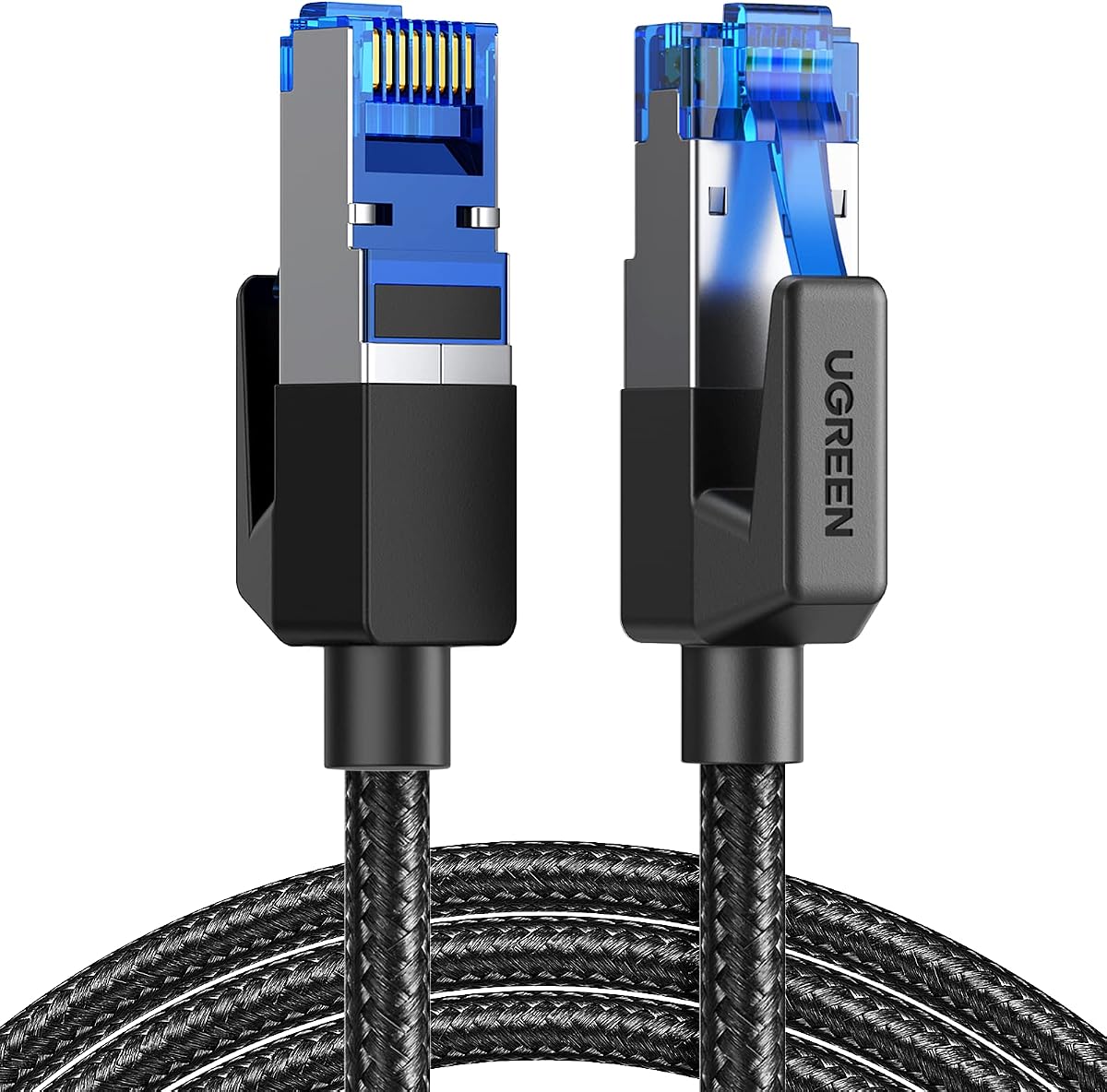
This UGREEN Cat 8 cable is our top pick for Mac users needing high speed. It supports 40 Gbps transfer and 2000 MHz bandwidth for future proof connections.
We may earn a commission when you buy through this link, at no additional cost to you.
The braided design ensures durability while the shielded twisted pairs reduce noise. It provides stable connectivity for streaming gaming and large file transfers on Mac.
While the six foot length limits reach it is perfect for most desk setups. The price is higher but the performance and build quality justify the cost.
Buy this if you need maximum speed and reliability. It is the best choice for serious Mac users who demand top tier network performance.
The cable supports up to 40 Gbps and 2000 MHz. This ensures your Mac can utilize the full potential of modern high speed internet plans.
Wrapped in a quality cotton braided cord this cable resists wear and tear. It can bend over 10000 times without breaking for long term use.
We may earn a commission when you buy through this link, at no additional cost to you.
This TP-Link adapter is ideal for Macs without Ethernet ports. It turns a USB C port into a reliable wired connection for less cost than premium cables.
We may earn a commission when you buy through this link, at no additional cost to you.
It supports Gigabit speeds and works with macOS without drivers. The compact design makes it easy to carry for travel or daily commutes.
The lack of a cable means you must buy one separately. This adds a small cost but the adapter itself is a great budget choice.
Choose this for affordable wired connectivity. It is perfect for travelers and budget conscious users needing reliable internet on the go.
Works seamlessly with MacBook Pro Air and other USB C devices. It is compatible with macOS Chrome OS and Linux systems.
No drivers are required for installation. Simply plug the adapter into your Mac and connect the Ethernet cable for instant access.
We may earn a commission when you buy through this link, at no additional cost to you.
The DbillionDa cable is designed for outdoor and direct burial. Its weatherproof jacket protects against elements making it unique among indoor focused options.
We may earn a commission when you buy through this link, at no additional cost to you.
Thicker 26AWG conductors ensure stable data transfer over longer distances. The double shielding minimizes interference for reliable performance in harsh conditions.
The jacket may feel stiff for tight indoor routing. It is less flexible than standard braided cables but necessary for outdoor durability.
Buy this for outdoor Mac setups or garden networks. It is the best choice for reliable wired connections exposed to the elements.
The jacket is UV resistant and anti corrosion. It withstands sunlight humidity and temperature changes ensuring the cable lasts for years.
F/FTP shielding reduces EMI RFI interference. This ensures stable performance even in areas with high electrical noise.
We may earn a commission when you buy through this link, at no additional cost to you.
This Smolink cable offers a generous fifty foot length for large rooms. It supports 40 Gbps speed ensuring your Mac stays connected at top rates.
We may earn a commission when you buy through this link, at no additional cost to you.
The nylon braided jacket adds durability and flexibility. It helps resist tangles and makes routing under desks or along walls easier.
While flexible it is bulkier than flat cables. This might make it harder to hide in tight spaces compared to flat designs.
Choose this for home office setups needing reach. It is perfect for connecting a Mac in a distant room to a central router.
Fifty feet allows for wide room connections. You can easily route the cable under carpets or around corners without signal loss.
Reinforced construction handles bending and pulling. The nylon jacket protects the internal wires from daily wear and tear.
We may earn a commission when you buy through this link, at no additional cost to you.
This Jadaol cable features a flat design ideal for tight spaces. The white color blends into walls making it nearly invisible when mounted along edges.
We may earn a commission when you buy through this link, at no additional cost to you.
S/FTP shielding ensures a stable signal. The gold plated connectors maintain consistent connectivity for your Mac and router.
The flat design is great for hidden runs but less robust for rough handling. It works best for static indoor setups.
Buy this for a clean visible setup. It is perfect for connecting a Mac to a TV or router without messy cables.
The thin shape allows routing through narrow gaps. You can slide it under doors or carpets without creating a trip hazard.
Gold plated connectors resist corrosion. This ensures a reliable connection over time even with frequent plugging and unplugging.
We may earn a commission when you buy through this link, at no additional cost to you.
This short three foot UGREEN cable is perfect for nearby connections. The flat shape lets you run it under furniture easily while the braided wrap adds strength.
We may earn a commission when you buy through this link, at no additional cost to you.
It supports 40 Gbps ensuring your Mac stays fast. The 26AWG core provides stable data transmission without signal loss.
The length limits it to direct nearby connections. It is not suitable for long distances but ideal for compact desktop setups.
Choose this for connecting a Mac to a nearby router. It saves space and keeps your setup looking neat.
The flat design makes installation easy. You can route it under carpets or through window gaps without hassle.
26AWG conductors provide stability. This ensures your Mac receives consistent high speed internet for gaming and streaming.
We may earn a commission when you buy through this link, at no additional cost to you.
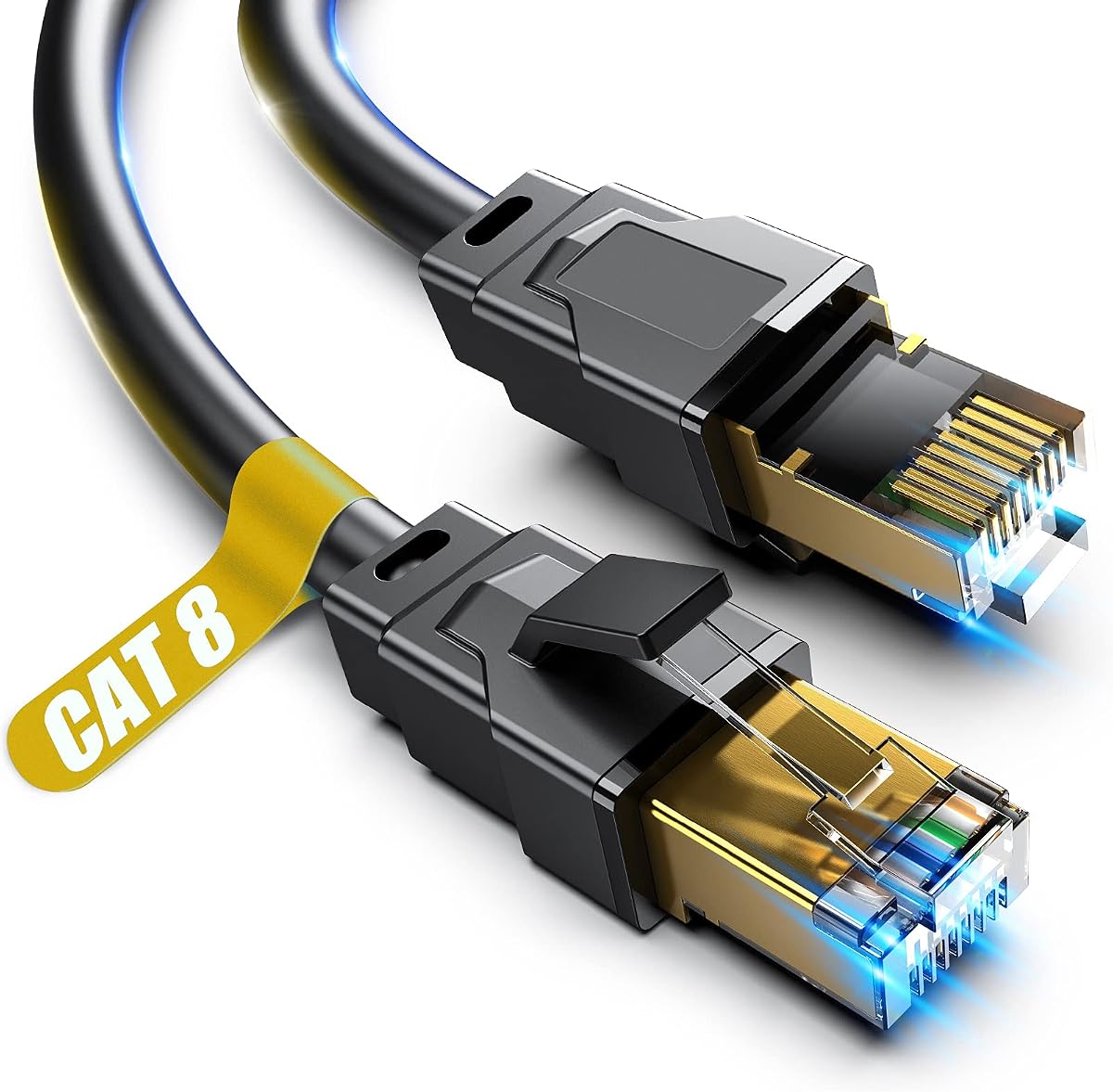
This Cat 8 cable offers a solid middle ground for most users. The eight foot length fits many standard desks while the braided exterior protects against wear.
We may earn a commission when you buy through this link, at no additional cost to you.
It supports 40 Gbps speed and uses gold plated pins for reliability. The shielding reduces interference ensuring stable Mac performance.
The build is average compared to premium brands. It lacks special features like outdoor rating or flat design but works well.
Buy this for a reliable standard connection. It is a great choice for everyday Mac use without extra features.
SSTP shielding protects data lines. This reduces crosstalk and noise for a cleaner connection.
Braided exterior adds strength. It helps prevent kinks and damage during daily use.
We may earn a commission when you buy through this link, at no additional cost to you.
This Jadaol Cat6 cable is a budget friendly option for long runs. The fifty foot length connects distant rooms while the flat design makes it easy to hide.
We may earn a commission when you buy through this link, at no additional cost to you.
It supports 10Gbps which is sufficient for most Mac needs. Included clips help secure the cable to walls for a tidy look.
As a Cat6 cable it is older than Cat8. It lacks advanced shielding but still offers reliable performance for standard networks.
Choose this for cost effective long distance. It is perfect for running cable through walls or across large rooms.
Included clips make mounting easy. You can secure the cable along baseboards or under carpets.
Offers Cat8 performance at a lower cost. It provides reliable connectivity for most home networks.
We may earn a commission when you buy through this link, at no additional cost to you.
This Cable Matters cable is designed for durability. The snagless connectors prevent breakage when plugging into tight spaces making it ideal for servers.
We may earn a commission when you buy through this link, at no additional cost to you.
It supports 10Gbps and offers 550 MHz bandwidth. The 24 AWG core ensures stable data transfer for your Mac.
It is a standard round cable without flat or braided options. This limits aesthetic integration but the performance is solid.
Buy this for reliable connections. It is perfect for home offices needing consistent performance without premium features.
Connectors lack external tabs to prevent damage. This makes plugging into tight ports easier and safer.
24 AWG copper provides conductivity. This ensures high speed data transfer with low signal loss.
We may earn a commission when you buy through this link, at no additional cost to you.
This Vabogu cable offers many length options for any setup. It is rated for indoor and outdoor use ensuring flexibility for Mac connections.
We may earn a commission when you buy through this link, at no additional cost to you.
Thick 26AWG conductors provide stable transfer. The shielding reduces interference for reliable performance in various environments.
The build quality may vary compared to top brands. It is a solid choice for those needing specific lengths or outdoor use.
Choose this for versatile installation. It is perfect for running cable through walls or outdoors to a Mac.
Available in many lengths. You can pick the perfect size for your needs.
Thick copper cores reduce loss. This ensures high speed internet reaches your Mac effectively.
We may earn a commission when you buy through this link, at no additional cost to you.
Choosing the right Ethernet cable for your Mac requires understanding key factors. This guide covers what to look for to ensure speed and durability.
Look for cables supporting at least Gigabit speeds. Cat 6 and Cat 8 cables offer higher bandwidth for faster data transfer and future proofing.
Prioritize Cat 8 for high speed needs.
Measure the distance between your Mac and router. Choose a length that reaches comfortably without excess slack to avoid signal issues.
Shorter lengths reduce signal loss and save space.
Shielded cables reduce interference from electrical sources. F/FTP or S/FTP shielding is essential for stable connections in busy areas.
Shielded cables ensure consistent performance.
Braided or heavy duty jackets protect against wear. Look for high bend ratings to ensure the cable lasts over time.
Braided jackets extend cable life.
Gold plated connectors prevent corrosion. This ensures reliable contact between the cable and your Mac's ports.
Gold plating improves connection reliability.
Use outdoor rated cables for external runs. These have UV resistant jackets to withstand weather and sunlight exposure.
Outdoor cables protect against elements.
If your Mac lacks Ethernet ports, check adapter support. Ensure USB 3.0 compatibility for Gigabit speeds.
Use adapters for modern Macs.
Balance cost with performance. Budget cables work well for basic needs but premium options offer better durability.
Invest in quality for long term use.
Connect one end of the Ethernet cable to your Mac's port or adapter. Plug the other end into your modem or router to establish a wired connection.
Avoid bending the cable sharply or stretching it tightly. This can damage the internal wires and reduce signal quality over time.
Regularly inspect the cable for fraying or kinks. If you notice damage replace the cable to prevent connection issues.
Modern Macs often lack Ethernet ports requiring an adapter. If your Mac has a USB C port you can use a USB C to Ethernet adapter for a wired connection.
Cat 8 is ideal for high speed needs but Cat 6 is sufficient for most users. Choose based on your internet plan and device requirements.
Open System Settings on your Mac and click Network. Select Ethernet to view connection speed and status.
You can use longer cables but signal loss may occur beyond 100 meters. Stick to recommended lengths for optimal performance.
Shielding helps reduce interference in electrically noisy areas. It ensures stable speeds for gaming or streaming on your Mac.
Check cable connections restart your router and Mac and update network settings. Try a different cable to rule out hardware faults.
Yes many iPad Pro models support USB C Ethernet adapters. This provides wired internet access for better reliability on iPad.
We recommend the UGREEN Cat 8 cable for top speed and durability. The TP-Link adapter offers an affordable solution for modern Macs.
Prioritize length and shielding to match your setup. Ensure the cable is durable enough for your environment.
Prices and availability may change. Check current listings before purchasing to get the best deal.