
Seagate 8TB BarraCuda Internal Hard Drive
4.7Editor score
High capacity for less cost
Fast sustained transfer rates
Universal SATA compatibility
Finding the right hard drive for Jellyfin is essential for a smooth streaming experience. You need reliable storage that can handle large media files without failing during playback.
We analyzed ten top models based on capacity, workload ratings, and compatibility with NAS systems. Our comparison ensures you get the best value for your home server setup.
Each pick shows key specs and ideal use cases for your media library. Prices fluctuate often, so check current listings before making your final purchase decision today.
4.7Editor score

4.5Editor score
4.2Editor score
As an Amazon Associate we earn from qualifying purchases.
Below is a detailed side-by-side comparison of all ten models we reviewed. This table highlights key specifications to help you decide quickly.




The Seagate IronWolf 4TB stands out as our top choice for Jellyfin media servers. With a 4.5 rating, it offers a perfect balance of capacity and reliability for home users.
We may earn a commission when you buy through this link, at no additional cost to you.
This drive is purpose built for NAS enclosures, ensuring minimal vibration and noise during operation. Its high MTBF rating means it can run continuously without frequent failures.
While it may generate slight noise during spin up, this is a minor trade-off for the stability it provides. Most users find the long-term reliability worth this brief startup noise.
If you are building a dedicated media server, this drive is highly recommended. It provides ample space for a large library while maintaining system stability over years.
This drive is engineered specifically for NAS environments, offering better vibration resistance than standard desktop drives.
Each drive comes with three years of data recovery services, giving you peace of mind for your important media files.
We may earn a commission when you buy through this link, at no additional cost to you.
The Seagate BarraCuda 8TB is an excellent budget option for those needing massive storage. Its 4.7 rating reflects strong performance and reliability among users.
We may earn a commission when you buy through this link, at no additional cost to you.
With a sustained transfer rate of 190MB/s, this drive can handle large media files efficiently. It is ideal for storing high-resolution videos without buffering issues.
The main drawback is that it is not specifically optimized for NAS environments, so it might not last as long in heavy-duty server setups. For light use, it remains a great value.
Choose this drive if you need maximum storage at a lower cost. It works well for single-bay setups or external enclosures where budget is a priority.
With 8TB of space, you can store thousands of movies and shows without worrying about running out of room.
The high transfer rate ensures that your media files load quickly, improving your overall streaming experience.
We may earn a commission when you buy through this link, at no additional cost to you.
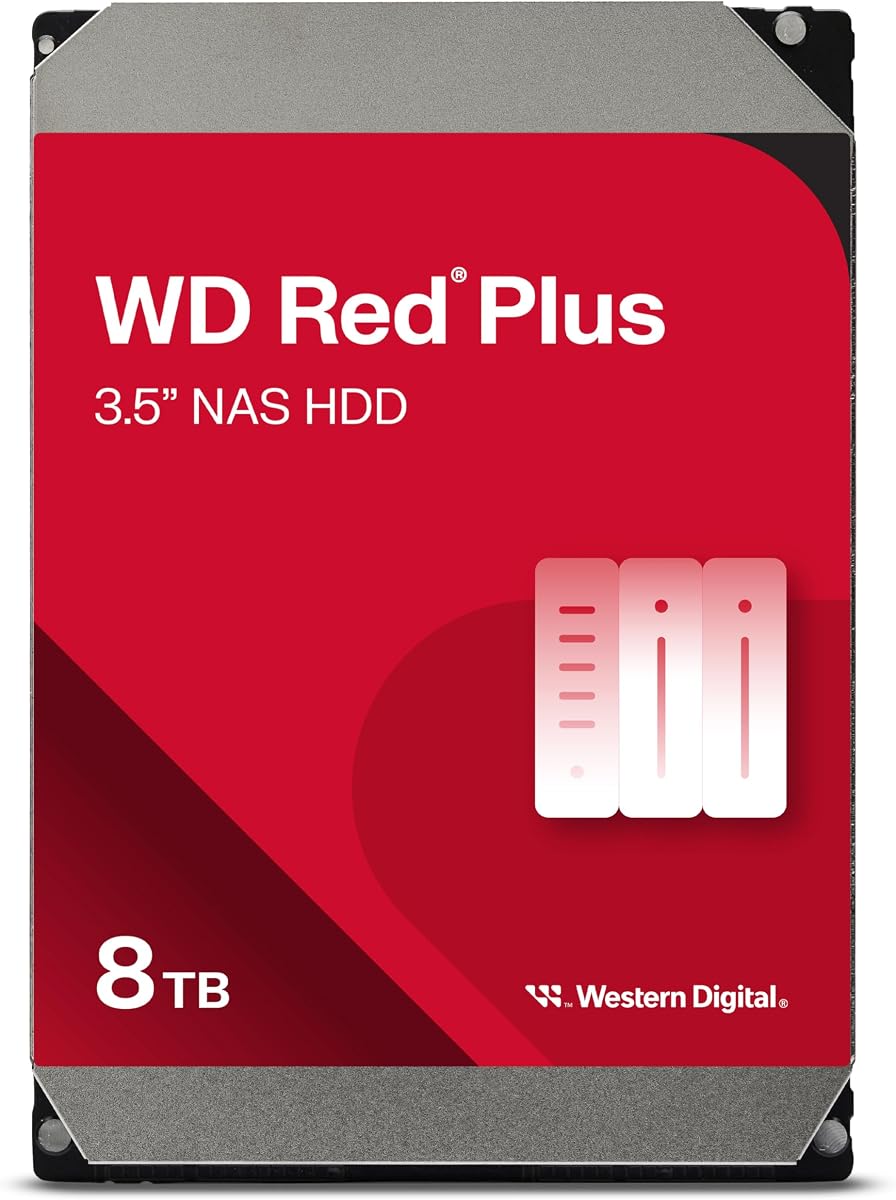
The WD Red Plus 8TB is a premium choice for serious Jellyfin users. Its 4.2 rating shows consistent performance for NAS environments over time.
We may earn a commission when you buy through this link, at no additional cost to you.
This drive features CMR technology, which is crucial for reliable data storage in RAID arrays. It also supports heavy workloads, making it ideal for multi-bay servers.
While the price is higher than other options, the reliability and performance justify the cost for professional or power users. Small setups might find better value elsewhere.
Invest in this drive if you need enterprise-grade reliability. It is perfect for large libraries and systems that run 24×7 without interruption.
Conventional Magnetic Recording ensures data integrity, which is essential for maintaining your media library without corruption.
This proprietary firmware optimizes the drive for NAS use, enhancing compatibility and performance in networked storage environments.
We may earn a commission when you buy through this link, at no additional cost to you.
The Seagate One Touch 8TB is a great external drive for users who need portable storage. Its 4.6 rating indicates high satisfaction with its performance and design.
We may earn a commission when you buy through this link, at no additional cost to you.
Featuring USB-C compatibility, this drive offers fast data transfer rates for an external solution. It is bus-powered, meaning you do not need an extra power adapter.
While it is perfect for backing up media files, it is not designed for continuous server operation. It works well for transport or secondary storage needs.
Choose this if you need to move your media library between devices easily. It is a reliable companion for laptops and desktops alike.
This drive runs directly off the USB connection, eliminating the need for a separate power outlet anywhere.
With included rescue services, you get added protection for your data against accidental deletion or hardware failure.
We may earn a commission when you buy through this link, at no additional cost to you.
The Seagate 1TB Mobile HDD is perfect for users with limited space. Its 4.4 rating shows it is a reliable choice for basic storage needs.
We may earn a commission when you buy through this link, at no additional cost to you.
At only 7mm thin, this drive fits easily into laptops or small form factor PCs. It offers significant storage for its compact design, making it versatile.
However, for a full Jellyfin server, the capacity may be too small for extensive libraries. It is best used for smaller collections or portable backups.
If you need a compact upgrade for a laptop or small PC, this drive is a solid choice. It provides reliable performance in tight spaces.
The 7mm profile allows this drive to fit into ultra-thin laptops where standard drives simply cannot go.
Despite its small size, it offers 1TB of space, which is impressive for mobile and portable storage applications.
We may earn a commission when you buy through this link, at no additional cost to you.
The WD Blue 12TB is an excellent choice for desktop users needing massive storage. Its 4.6 rating highlights its reliability and speed for daily tasks.
We may earn a commission when you buy through this link, at no additional cost to you.
With a 7200 RPM speed and large cache, this drive handles data transfers quickly. It is ideal for storing large media libraries on a desktop system.
It is not designed for NAS environments, so long-term server use might reduce its lifespan. For single-bay or desktop setups, it offers great value.
Choose this drive if you need high capacity and speed for a single computer. It works well for media servers that do not require multi-bay redundancy.
The 7200 RPM speed and 512 MB cache ensure that your media files are accessed quickly and efficiently.
Free Acronis True Image software makes it easy to transfer your data from an old drive to this new one.
We may earn a commission when you buy through this link, at no additional cost to you.
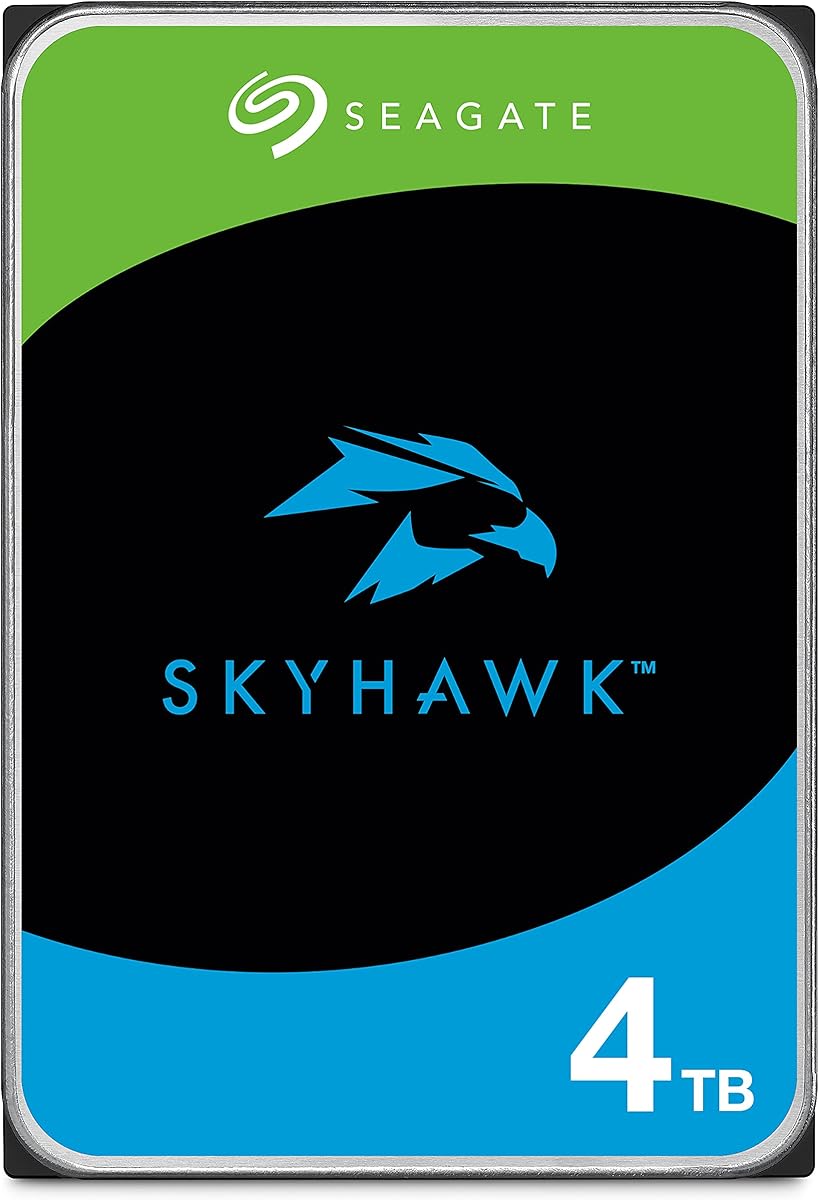
The Seagate Skyhawk 4TB is built for high workload environments. Its 4.4 rating indicates strong reliability for continuous write operations.
We may earn a commission when you buy through this link, at no additional cost to you.
This drive is optimized for video workloads, making it suitable for media servers that stream large files constantly. It includes sensors to manage vibration in multi-bay systems.
While it is specialized for surveillance, it works well for Jellyfin servers that handle constant data access. The health monitoring helps ensure long-term stability.
Invest in this drive if you need reliability for continuous operation. It is a robust choice for users who prioritize uptime and performance.
This firmware is tuned for continuous writing, ensuring smooth playback without interruptions during streaming.
Built-in tools help you monitor the drive's health, alerting you to potential issues before they cause failures.
We may earn a commission when you buy through this link, at no additional cost to you.
The WD Purple 6TB is designed to handle multiple streams efficiently. Its 4.5 rating reflects its ability to manage continuous data writes reliably.
We may earn a commission when you buy through this link, at no additional cost to you.
With AllFrame AI technology, this drive supports advanced surveillance needs, which translates well to media servers handling high traffic. It ensures no frames are dropped.
It is best suited for users with complex server setups. For typical home use, it might be more than needed, but it offers excellent performance.
Choose this drive if you need high workload tolerance. It is perfect for large libraries with frequent access by multiple users.
This feature reduces errors in video data, ensuring your media files are stored accurately without corruption.
The drive is built to handle up to 180TB of data per year, making it ideal for heavy usage scenarios.
We may earn a commission when you buy through this link, at no additional cost to you.
The Seagate Skyhawk 4TB is a reliable option for surveillance and media servers. Its 4.6 rating shows strong performance in continuous use cases.
We may earn a commission when you buy through this link, at no additional cost to you.
It features Image Perfect firmware, which ensures stable video recording. This makes it suitable for Jellyfin users who need consistent file access.
While it is specialized for surveillance systems, its reliability makes it a good choice for any server with heavy read write needs.
Consider this drive if you need stability for your media library. It is a solid choice for users prioritizing long-term performance.
This technology ensures that video files are recorded and accessed without errors, improving playback quality.
With a workload rating of 180TB/year, this drive is built to handle intensive usage without performance degradation.
We may earn a commission when you buy through this link, at no additional cost to you.
The Seagate IronWolf 6TB offers a balanced mix of capacity and reliability for NAS users. Its 4.4 rating indicates solid performance for server environments.
We may earn a commission when you buy through this link, at no additional cost to you.
With 6TB of space, it provides ample room for growing media libraries. It is designed to work well in RAID configurations, ensuring data safety.
Transfer speeds may be slower than desktop drives, but this trade-off ensures better reliability for continuous use. It is a dependable choice for long-term storage.
Choose this drive if you need a reliable NAS solution. It is perfect for users building a dedicated media server with future expansion in mind.
This drive is built to withstand the vibrations and temperatures found in multi-drive NAS systems.
Included data recovery services help protect your media library from accidental loss or hardware failures.
We may earn a commission when you buy through this link, at no additional cost to you.
Selecting the right hard drive for Jellyfin requires understanding several key factors. This guide will help you evaluate your options effectively.
Storage capacity is crucial for Jellyfin servers. You need enough space to store your entire media library. Consider how many movies and shows you plan to keep.
For growing collections, choose a drive with ample capacity. Higher capacity drives reduce the need for frequent upgrades.
Decide between internal and external drives. Internal drives offer better performance, while external drives provide portability.
Internal drives are best for dedicated servers. External drives work well for portable media collections.
Reliability ensures your media stays accessible. Look for drives with high MTBF ratings and proven track records.
High reliability drives reduce the risk of data loss. Invest in brands known for durability.
Workload rating indicates how much data the drive can handle annually. Higher ratings are better for continuous use.
For Jellyfin, choose drives with high workload ratings. This ensures performance under constant streaming.
Ensure the drive is compatible with your server setup. Check interface types like SATA or USB.
Compatible drives avoid installation issues. Verify connections before purchasing.
Lower power consumption saves energy. Look for drives with efficient power usage.
Energy-efficient drives reduce electricity costs. This is vital for 24×7 servers.
Noise and heat affect server placement. Choose drives designed for low noise.
Quieter drives are better for living spaces. Lower heat extends drive life.
Set a budget that balances cost and features. Higher-end drives offer better reliability.
Balance cost with your needs. Don't overspend on features you won't use.
Install the drive securely to prevent vibration. Ensure all connections are tight and the drive is mounted properly.
Regularly check drive health using monitoring tools. This helps you spot issues before they become critical.
Keep your server cool to extend drive life. Proper airflow reduces heat and prevents overheating.
The best hard drive depends on your specific needs. For NAS setups, the Seagate IronWolf is highly recommended due to its reliability. For budget-friendly options, consider the Seagate BarraCuda. Always choose a drive with high workload ratings for server use.
Internal drives are generally better for performance and stability. External drives offer portability but may have slower speeds. Choose based on whether you need a dedicated server or portable storage.
The amount depends on your media library size. A large collection may require multiple terabytes. Start with at least 4TB to ensure you have enough space for growth.
Yes, NAS drives are worth it for 24×7 use. They are designed to handle continuous operation and high workloads. This makes them ideal for dedicated media servers.
You can, but it may not last as long. Desktop drives are not optimized for continuous use. For long-term reliability, choose a NAS or surveillance drive.
Use built-in tools like SMART monitoring. Many NAS systems also include health check features. Regular checks help prevent unexpected failures and data loss.
Look for drives with at least 180TB per year workload rating. This ensures the drive can handle continuous operation without issues. Higher ratings are better for heavy use.
Larger drives may have slower speeds due to data density. However, modern drives mitigate this with advanced caching. Choose capacity based on your storage needs.
We hope this guide helps you select the perfect hard drive. Our top picks offer a balance of reliability and capacity for your server.
Prioritize NAS-optimized drives for the best performance. Consider factors like workload rating and power consumption when making your decision.
Remember to check current prices and availability before buying. Deals vary, so comparing options ensures you get the best value.